The 2026 TailscaleUp-date
More ways to build
We’re making it easier than ever for people, apps, and agents to access the right resources at the right time.
Missed the webinar? Watch the recording.
We introduced new capabilities across AI governance, privileged access, DNS filtering, and programmable networking at TailscaleUp. In this recap webinar, we walk through the announcements and what they mean for teams using Tailscale to connect, secure, and operate modern infrastructure. Learn how we’re making it easier to experiment with AI at home and at work with Aperture by Tailscale, how Tailscale PAM brings privileged access workflows closer to the network, how a partnership with Control D brings DNS filtering directly to Tailscale customers, and how new APIs and SDK support make Tailscale more programmable for developers and platform teams.
Building a home(lab) for agentic AI
Be productive with AI as quickly as possible.
General availability (GA) for Aperture
We started building Aperture 10 months ago to demonstrate that you don’t need to choose between ease of use, identity-aware networking, and robust safety when using agentic AI with Tailscale. Since then, it has grown into a comprehensive AI gateway, with countless visibility and control features for enterprises. These include cost controls, request and response hooks, guardrails, extensive logging, and even a full MCP (Model Context Protocol) and API proxy.

Tokens included
We believe the future of cost-effective AI use involves experimenting with different models from many different labs. Today, each new Aperture instance comes with some initial tokens included. You can also buy more for any major model, both open-weight and closed, directly inside of Aperture.

Take control of your tailnet with AI
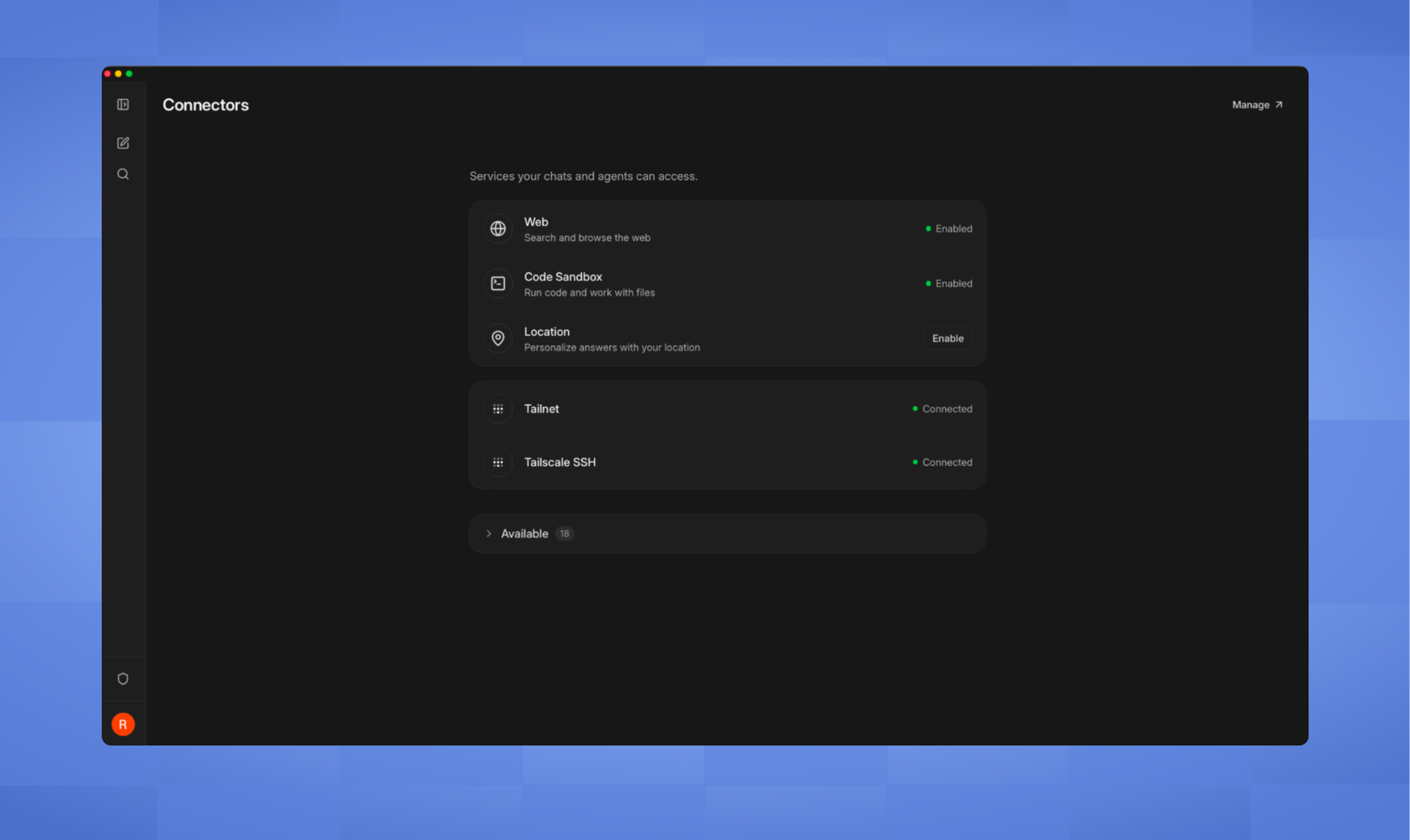
New MCP endpoints for Tailscale and Tailscale SSH make it easier for Aperture and coding agents to add new nodes to your tailnet, as well as access them via Tailscale SSH. With MCP access, the agent can prompt you for access and, once approved, configure services on your tailnet without manually copying keys and filling in environment variables. You control which machines can talk to Aperture and vice versa, and all your agent’s actions are logged.
Manage connectivity and privileged access in one place
Access to critical resources with no standing privileges.
Border0 + Tailscale is now Tailscale PAM (beta)
Tailscale PAM enables identity-aware, credential-free access to critical infrastructure, integrated into the Tailscale admin console and unified with the Tailscale experience. With just-in-time access, users can request access to a specific service or resource and receive approval through Slack. Infrastructure and engineering teams can enjoy simplified access to the tools they already use, including SSH, Kubernetes API, database clients, RDP clients, and browsers. Session logs and recordings provide visibility, while browser-based access lets users connect through the web console without installing a desktop client.

DNS filtering by Control D
Straightforward control over the public Internet.
Control which internet destinations your devices can access
We’re excited to partner with Control D and bring their DNS filtering solution directly to Tailscale customers. Teams that want to block malicious, phishing, or unwanted destinations can set up DNS filtering rules in Control D and apply those rules to any groups, tags, or devices in their tailnet with a simple access control list (ACL) integration. Tailscale will bill you for the number of users you need DNS filtering for.

Build with Tailscale. Build on Tailscale.
Make foundations, as well as connections.
Embed the network in an app
Using tsnet, any app with a server function can be added directly to a tailnet as its own node, with its own identity, a MagicDNS name, and a place already set in your ACLs. No host daemon, public port, or firewalls to trip over. The certificates are also handled, if you need to serve something up over HTTPS.
Tailnets API
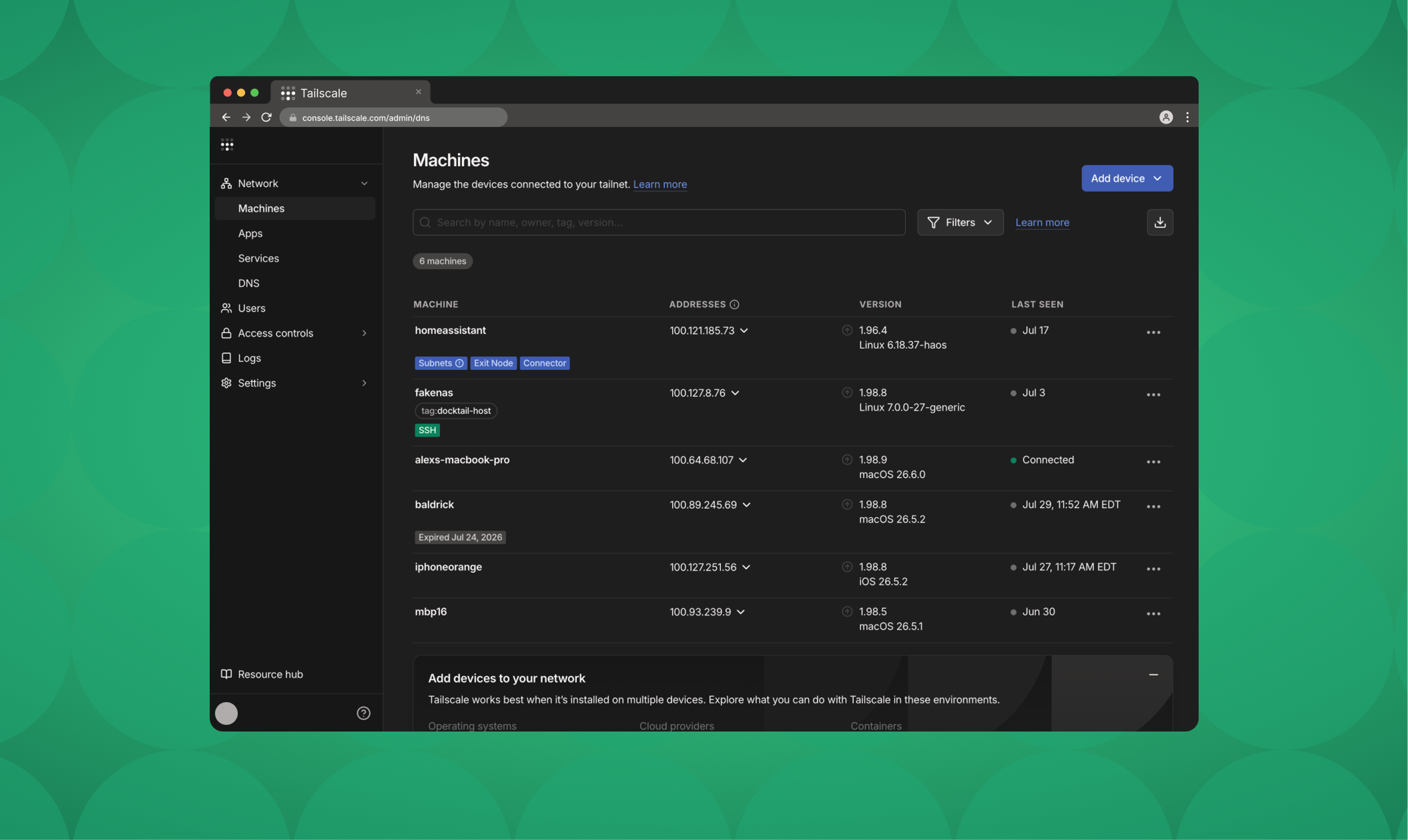
The Tailnets API gives you a whole network you bring up on demand. It’s useful for isolation—one tailnet per customer, environment, or short-lived test. It’s also a way to run code you don’t entirely trust yet. Hand an agent a throwaway tailnet and see what it builds inside a walled space. Then, just as easily, take it down when it’s done (or tell the agent to tear itself down).

Sharing without the clicks
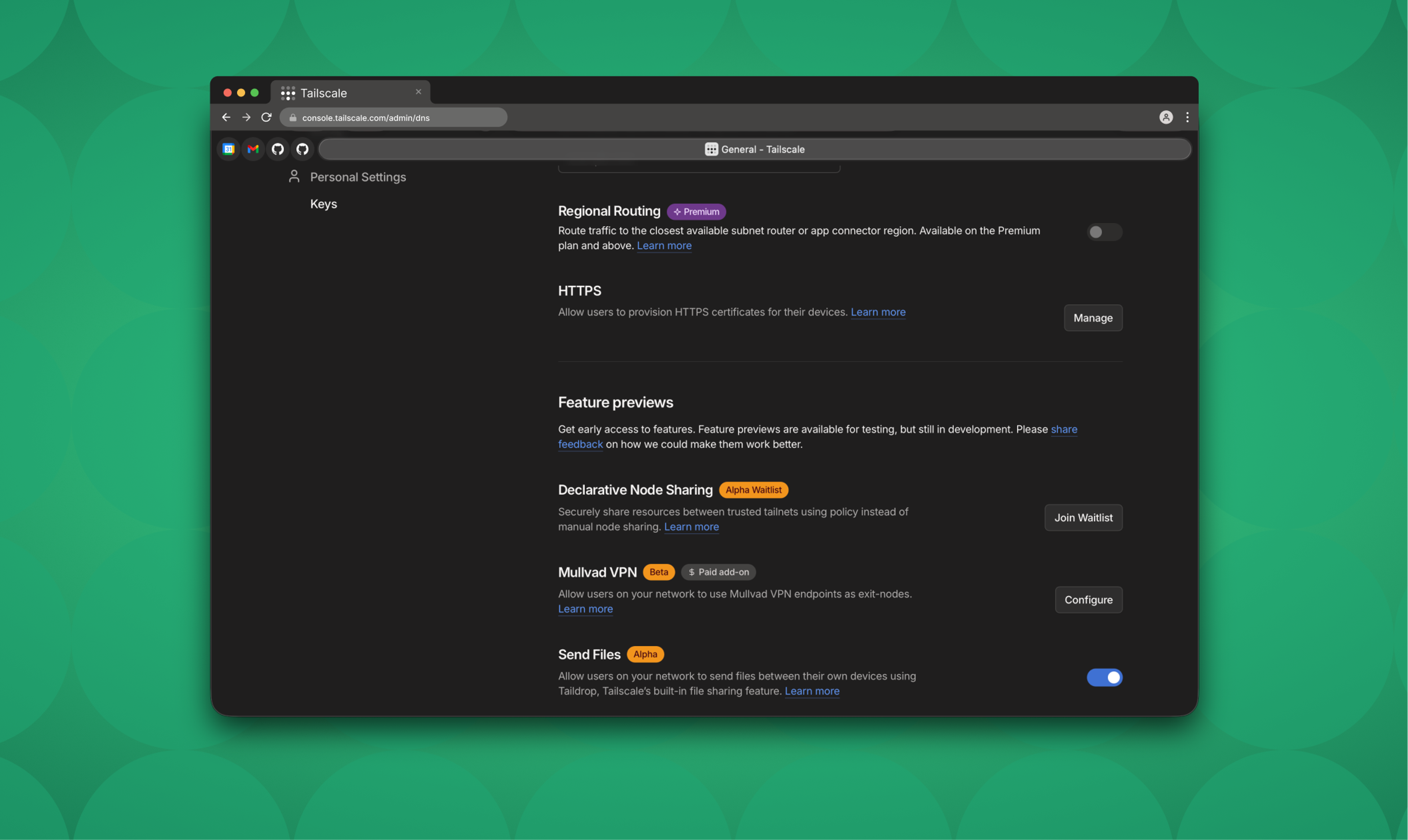
Declarative Node Sharing (currently available via waitlist) automates the process of sharing resources across tailnets. You declare what should be shared with whom, commit it, and let a GitOps workflow apply it—the same way you manage the rest of your infrastructure. No manual clicking and checking, and no relying on someone’s memory of what is shared with whom.
Introducing Tailcat
Tailscale without Tailscale, by Tailscale.
Direct connections without Tailscale’s control plane
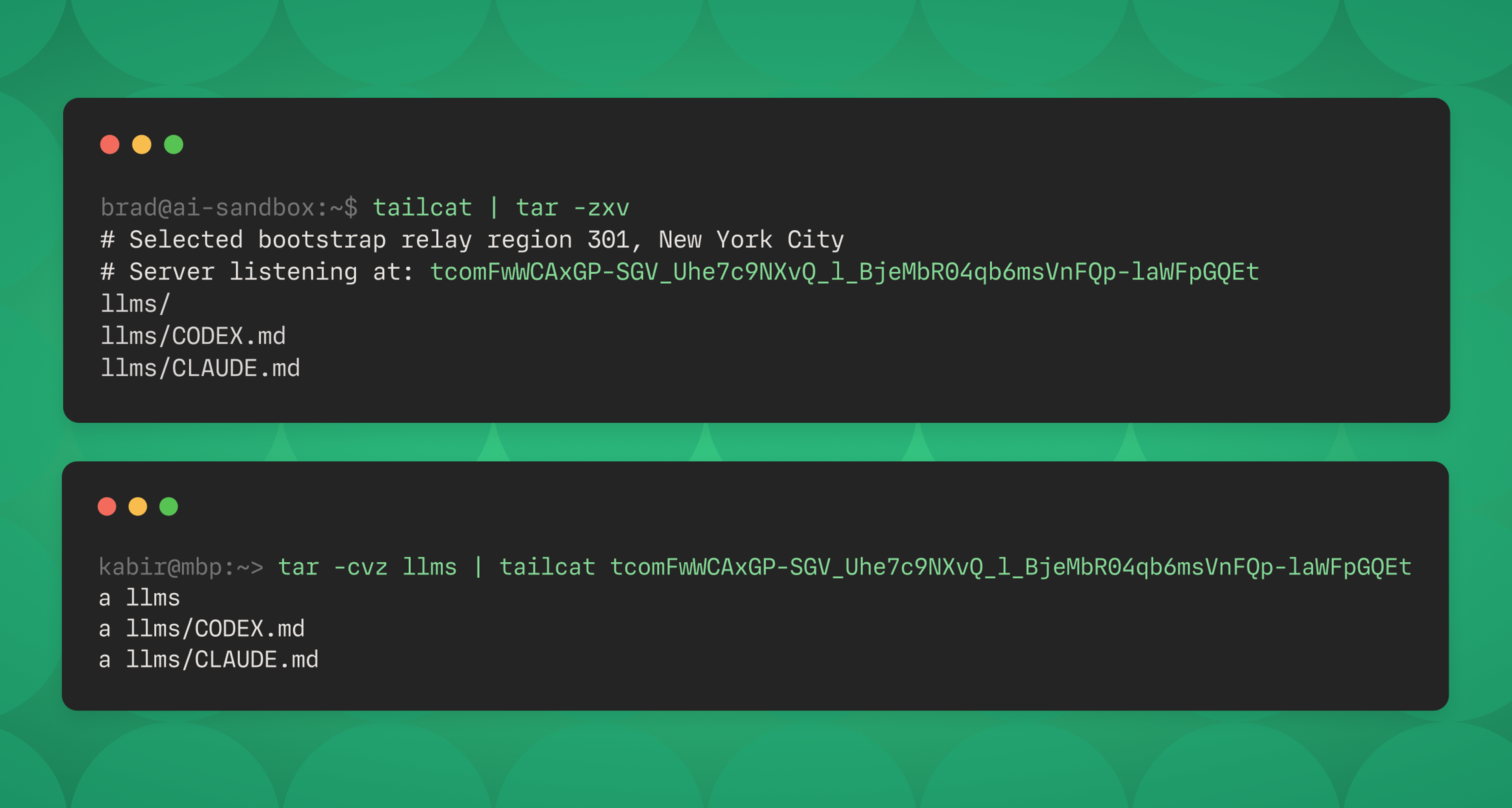
Tailcat is a remix of pieces of Tailscale that gives you a way to use the open-source Tailscale data plane without the Tailscale control plane. Take advantage of WireGuard® tunnels, NAT traversal, and DERP, without worrying about IP addresses, user accounts, or dependency on Tailscale (the company).
Ready to dive in?
Your tailnet is about to get so much better.
Tailscale PAM Beta
Secure access to Linux servers, databases, Kubernetes clusters, and more.
More automation
Find out what you can automate through the Tailscale API and admin console.
The TailscaleUp keynote
Watch as Tailscale leadership takes the stage at TailscaleUp to introduce our vision for what's next in secure connectivity.


