 Kevin Purdy
The launch process for Tailscale’s integration into Codex Cloud, which OpenAI released this week, started with a Slack message from a Tailscale engineer: “Did we work with OpenAI on this?” A few minutes passed, and nobody at Tailscale could confirm that we had, or that anybody knew about this brand-new product shipping with “day 0 Tailscale support.”
We didn’t work with OpenAI on this, but Codex Cloud launched with support for Tailscale as a VPN provider (the only one, for now). It caught us entirely by surprise, and we couldn’t be happier.
“There was no partnership agreement, custom API, or integration project. They just built it using the same Tailscale that everyone else gets,” Tailscale CEO Avery Pennarun wrote on LinkedIn. “That’s how I want this stuff to work.”
Here’s how Tailscale works in Codex Cloud, and why it was an obvious default.
Connecting Codex Cloud with Tailscale
Codex Cloud is rolling out to paid ChatGPT accounts (Plus and higher) over time, so it might not be available to you just yet. It runs a Codex session that isn’t tied to any particular device, working on your GitHub repositories. Add in Tailscale access, and now resources in your tailnet are accessible, too.
When you do have Cloud access, you can select Work in > Cloud on a new task on the web or in the desktop ChatGPT app, select GitHub repositories to check out, then create a cloud environment to work in.
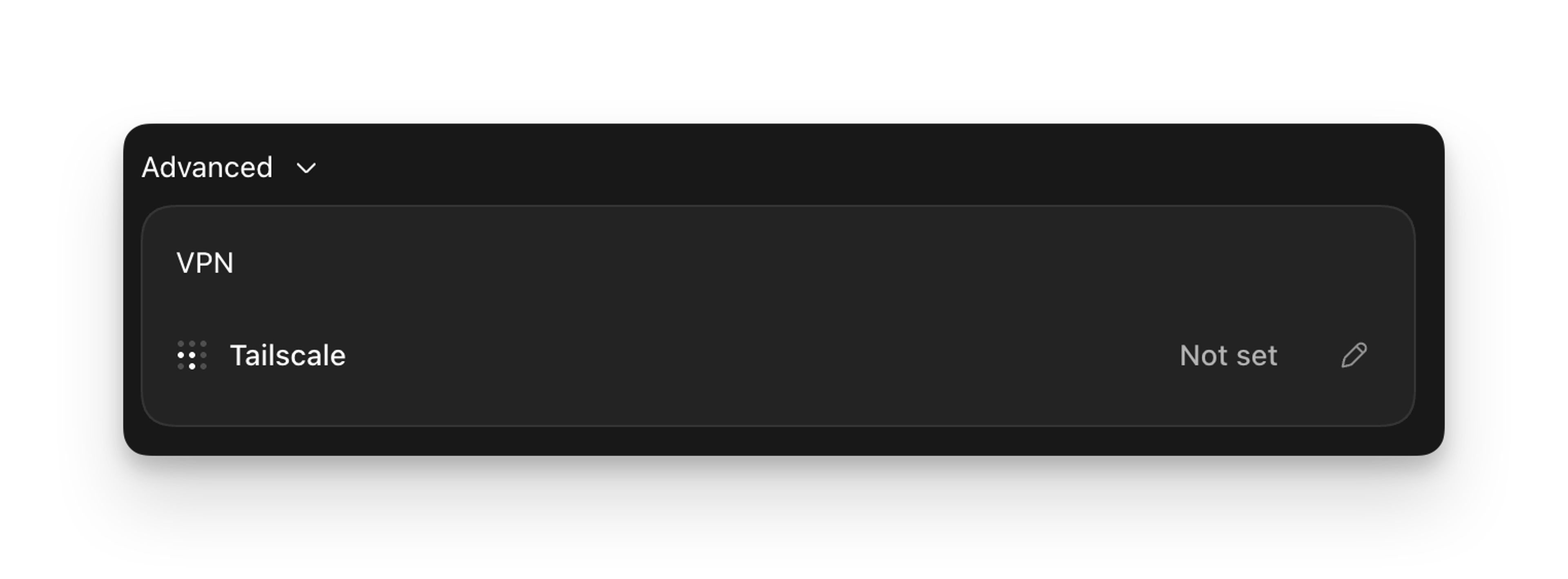
In that environment’s Advanced > VPN settings, select Tailscale. Generate an auth key in your admin console. OpenAI’s instructions require enabling both Reusable, so that “new cloud task VMs join your network,” and Ephemeral, because “Tailscale automatically removes ephemeral devices after they go offline.” Tag that key, also. That way, every Codex VM joins with tag:codex and picks up rules you write for it, rather than inheriting the access of whoever generates the key.
Codex Cloud can now reach internal APIs, testing services, and other resources in your tailnet, within certain limitations. At the moment, Codex Cloud can only reach HTTP and HTTPS destinations (and arbitrary TCP, over HTTP CONNECT via proxy:8088).
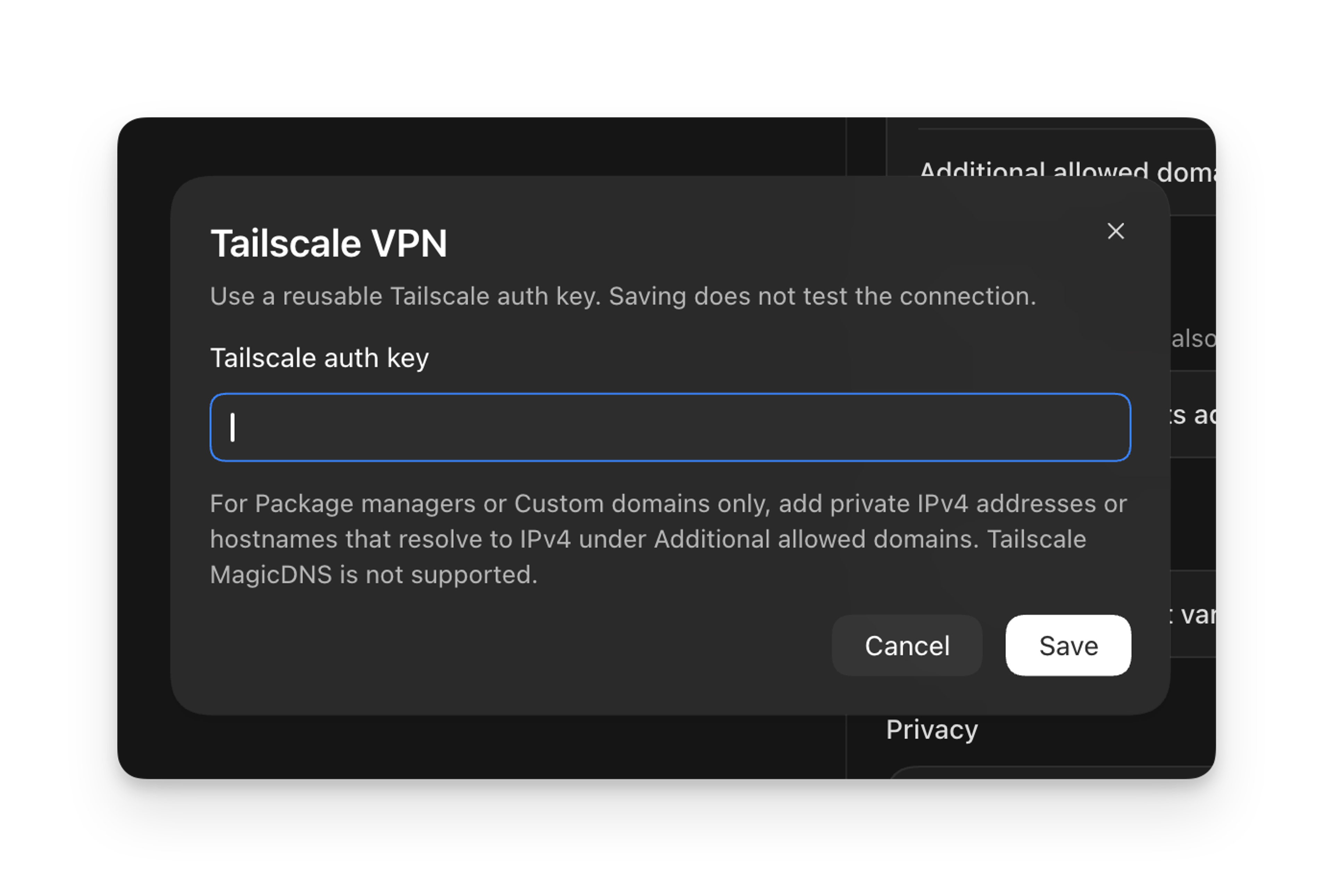
Private IPv4 subnet routes are supported, but you must use IPv4 addresses or hostnames that resolve to IPv4. MagicDNS and split DNS do not work, nor can you send UDP and ICMP. Inbound connections to your Codex Cloud node are explicitly unsupported. SSH and Tailscale SSH do not work, either.
By default, Codex could reach nearly everything in your tailnet. Maybe you want that kind of access for a powerful coding tool, or maybe that’s not what you assumed. Let’s take a look.
Putting a fence around a cloud
With more companies building Tailscale integrations lately, it’s worth setting boundaries around agentic tools like Codex—especially if your access controls are still the default (“everything talks to everything”). A few steps to consider:
- Tag both agents and the resources they reach
- Use grants to fine-tune that access
- Set and keep expiry on agent keys
- Turn on network flow logs (on Premium and Enterprise plans) to see what agents are actually reaching
As more projects start to build in Tailscale integrations, especially those based around "agents," it's good practice to also enable device approval on your tailnet. That allows network administrators to review and approve new devices before they can join your tailnet, if they are not associated with an auth key.
Useful tools, easy to build with
As Avery noted, this Codex Cloud integration isn’t part of a campaign, other than the general one Tailscale has been on for years. “You can make useful tools easy to build with, and if people start combining them into things you never planned for, the platform sort of happens on its own.”
If you’re building something on Tailscale that we also don’t know about, we’d like to hear about it: on Reddit, Discord, Bluesky, X, Mastodon, or LinkedIn.


