 Smriti Sharma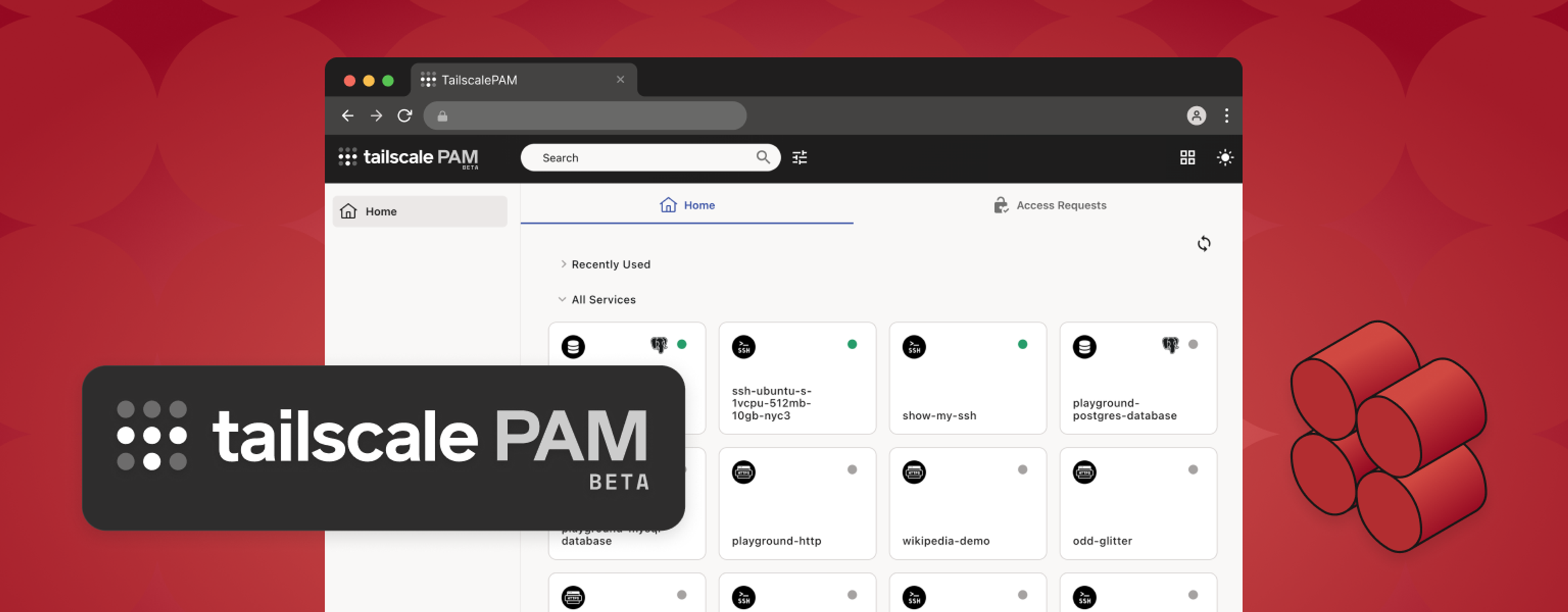
Teams already use Tailscale to connect people and devices to private infrastructure. But access to production databases, servers, Kubernetes clusters, and internal applications requires more than a secure network path. Security teams also need to control which resources users can access, under what conditions, and what happens during privileged sessions.
The Border0 + Tailscale integration introduced identity-aware, credential-free access to critical infrastructure. Tailscale PAM, now in beta, turns that integration into a dedicated Tailscale product, managed through the Tailscale admin console and unified with the Tailscale experience.
Meet Tailscale PAM
Tailscale PAM (privileged access management) lets teams control and audit privileged access to sensitive infrastructure. It is available through the Tailscale admin console, giving customers a consistent experience in managing both connectivity and privileged access.
From the Tailscale admin console, customers can manage Tailscale PAM workflows, including:
- Connect private infrastructure: Deploy and monitor connectors running inside private environments
- Protect specific resources: Grant access to specific databases, servers, Kubernetes clusters, and web applications, rather than granting broad network access
- Control access precisely: Define who can access each resource, when access is allowed, and what permissions apply
- Adapt access safely: Set policies for employees, contractors, and other external users based on the resources they need to access
- Simplify setup: Deploy connectors inside your private environment without installing clients on each resource
- Support audits and investigations: Use session logs to see who accessed which resources and when, and session recordings to support compliance, audits, and post-incident investigations
This gives customers distinct solutions for connectivity and privileged access, managed through Tailscale.
Grant access when it is needed
Production access is often occasional. An engineer may need infrastructure access during an incident, temporary SSH access for maintenance, or Kubernetes permissions for a deployment.
With just-in-time access, users can request access to a specific service or resource and receive approval through Slack. Admins can scope access to the resource they need and limited to a defined period. This helps teams reduce standing access without slowing down operational work.

Keep familiar workflows
Tailscale PAM works with the tools infrastructure and engineering teams already use, including SSH, Kubernetes API, database clients, RDP clients, and browsers.
Users authenticate through the organization’s identity provider and access the services available to them. Tailscale PAM brokers the connection, associates each session with an identity, and preserves logs or recordings for supported protocols. Teams don’t need to distribute shared credentials or send users through a separate access process for every resource.

Apply controls to individual services
Network-level access is often broader than the task requires. A user who needs to work on one production database does not necessarily need access to the subnet around it.
Tailscale PAM lets admins define individual services and apply policies directly to them. Policies can control access based on users, groups, time windows, and permissions. This gives infrastructure teams more precise control, while making it easier for security teams to update access as responsibilities change.
Improve visibility and auditability
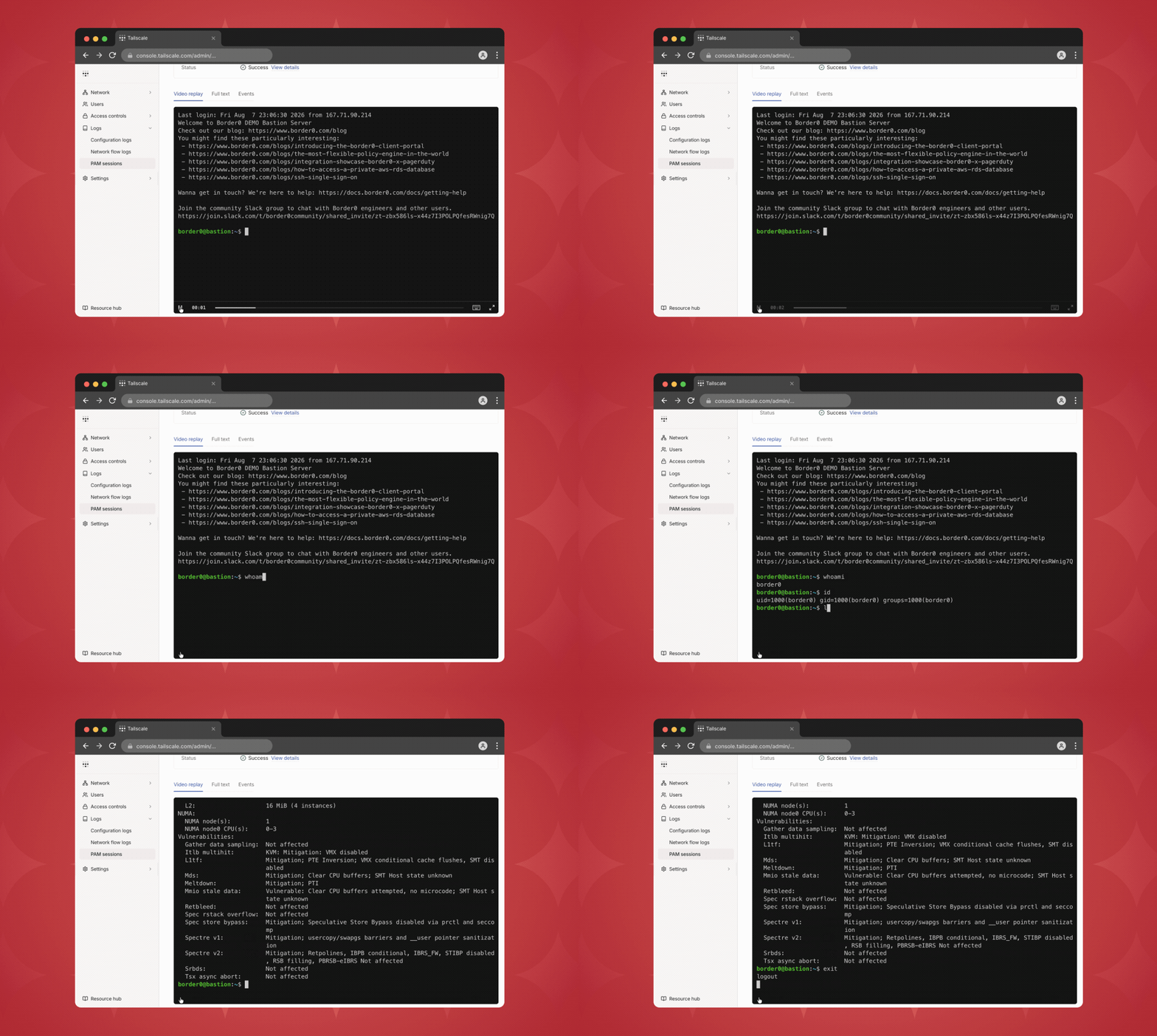
Session logs and recordings provide additional evidence where supported, helping teams investigate privileged access activity and prepare for compliance reviews.
Instead of maintaining separate records for databases, SSH, Kubernetes, and other systems, teams can manage privileged access through a more consistent model.
Secure access for contractors and external users
Give contractors, vendors, and other external users access only to the specific resources they need, with permissions tailored to their work. Session logs and recordings provide visibility into their activity, while browser-based access lets them connect through the web console without installing a desktop client.
Try Tailscale PAM Beta
Tailscale PAM Beta governs privileged access while working seamlessly with the connectivity, identity, and administrative foundation Tailscale provides.
During the beta, customers can manage connectors, services, policies, and administrative audit activity through the Tailscale admin console. The long-term goal is a unified experience for identity-based connectivity, privileged-access policy, and auditability.Existing Border0 customers can choose when to move to the unified Tailscale admin experience. If you have questions about what the beta means for your current setup, please reach out to your account manager.
We’ll use what we learn from the beta, along with customer feedback, to keep improving the product and prepare it for general availability.
Join the Tailscale PAM Beta waitlist to get started. To learn more about pricing or talk through your use case, reach out to us and we’ll help you take the next step.