 Kevin Purdy
Websites—just websites—can still be pretty amazing. I recently rediscovered the joy of a little page with just one job, thanks to Tailscale Funnel. And all it took was reaching a breaking point with my stupid fridge.
By "stupid fridge," I mean a Samsung "SmartThings" refrigerator. My home came with a fridge, the fridge has a screen, and the screen turns on whenever you tap it, open the door, or use the water and ice dispenser. You can turn it off, but it’s the only way to track water filter usage, or turn off the ice machine. Like I said: stupid.
This “Family Hub,” powered by Samsung’s Android-esque Tizen operating system, is meant to keep calendars, weather, and other useful things showing. Except everything runs like molasses, including the app that offers a fisheye camera view of roughly 1.25 shelves inside. The fridge cannot run Tailscale (at least not yet), but it does have a web browser, which will generally stay on the screen if you leave it open. I first tried keeping up the local weather (slow to refresh), then a Home Assistant dashboard (less convenient than just pulling out my phone), then slowly gave up.
Then I hit upon the perfect site: one I hosted myself.
Artisanal timetables
One of my friends in Washington D.C. built a webapp for himself and his partner. It's a very minimal, quick-loading, phone-friendly site that pulls data from D.C's public transit and bike share APIs, then sorts the most pressing numbers into a need-to-know glance.
There are tons of mobile apps that can provide the same data—Google/Apple Maps, Transit, the DC Metro's own MetroPulse—but they're generally designed to provide route guidance, not raw numbers for people doing the same commute every day. I liked my friend's app because you could figure out in 2 seconds if it was worth running for the bus, or if an e-bike was your backup plan.
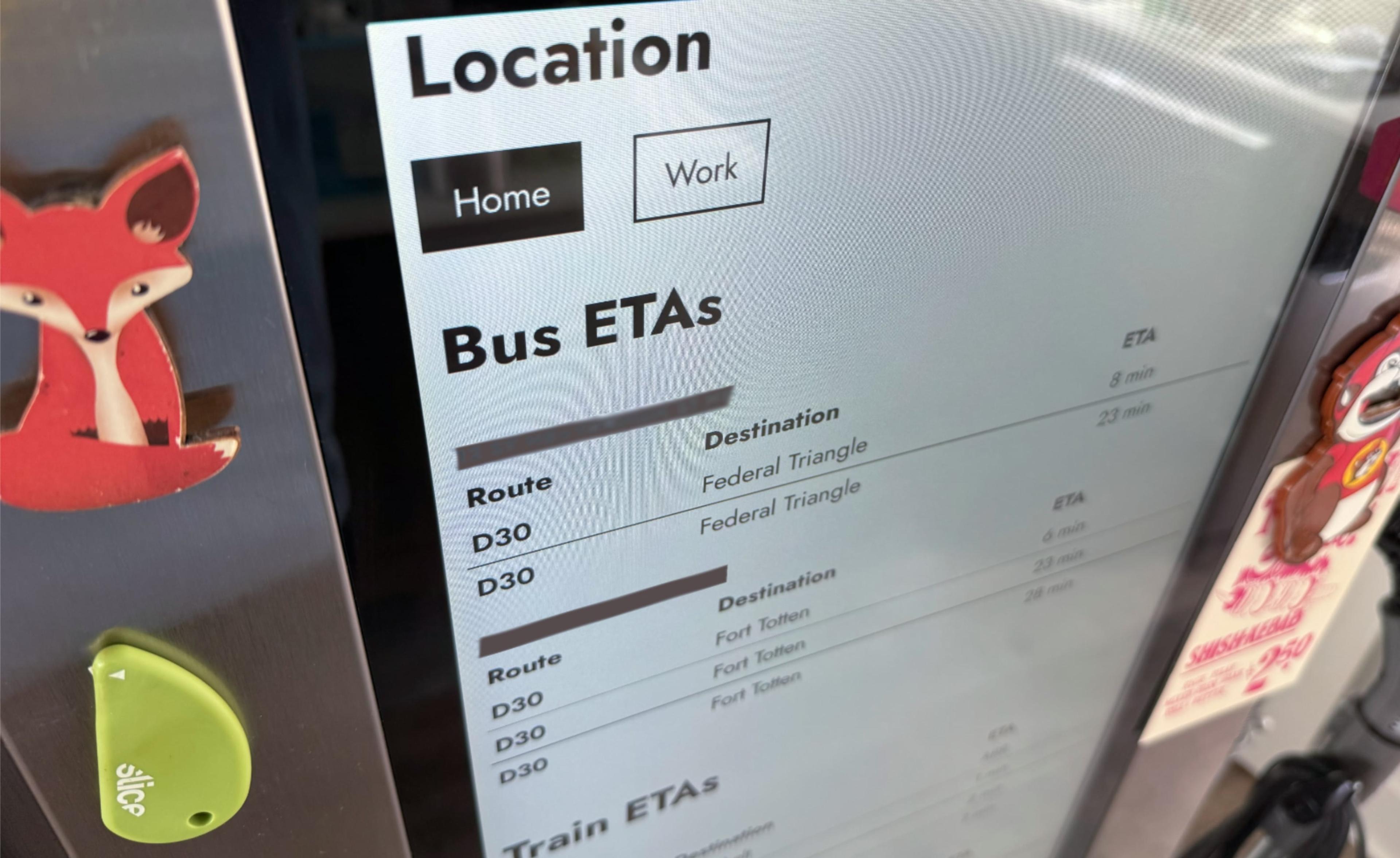
I cloned his dashboard and spent a few hours customizing it in Claude Code: separating out train stations and line directions, adding location-based bus stop and bike stand ID finders, and putting data parameters in the URL, so a few different friends and neighbors could set it up for their own commutes. It's essentially a Node.js server running in a Docker container, with a dollop of anti-hammering protection.
I didn’t technically need Tailscale to serve this web app from a NAS to my fridge over the same local network. But it also works great as a mobile web app. I thought about setting up reverse proxies with Google auth, I thought about a cheap VPS, and then I remembered: this is what Tailscale Funnel was made for. A lightweight website I was comfortable putting on the public internet, with certificates, DNS, and the public URL handled for me.
My "fridge site" fits Funnel's constraints quite well. It's small and has a tiny audience, so the shared bandwidth is fine. There's not much of a security risk, unless people guess my exact setup URL and learn that my bus route is 4 minutes behind today. And if I change my mind, it’s a single terminal command to bring it down.
Why Funnel fit my fridge
I note that my little site is a good match for Funnel because there are sites on Funnel that are not. OpenClaw, the agentic AI framework you run on your own hardware, is a particularly bad idea for Funnel. As I previously noted:
Funnel is meant for small webapps, servers, and custom software that you need to expose to the open web. Think “Testing out a webapp with a few people outside my organization," or “Serving up a public web page from a container that doesn’t touch sensitive data.” It is not meant for “Anyone can reach my AI agent, with access to my personal data, stuffed with credentials, with just a password.” We now proactively notify Tailscale users with claw-named funnel setups about the hazards of doing this.
The same goes for other interactive services connected to your life, like Home Assistant. Our guide to setting up remote access to Home Assistant through Tailscale has you setting up Tailscale Serve, not Funnel. "I really wouldn't recommend exposing your Home Assistant instance to the wider internet," host Alex Kretzschmar says. "There's just no need with Tailscale."
If someone getting past a password would be a disaster, use Serve instead. Set up Serve, then connect through devices running Tailscale. If Serve feels limiting because you want a few other people to access your site or service, consider adding them as a user on your tailnet, or sharing that device to their own Tailscale account.
You might be now be thinking: “Who’s really going to find and attack my access panel on my Tailscale URL, the one with the random nouns in it?” The answer is: anybody who wants to, and it’s less work than you think.
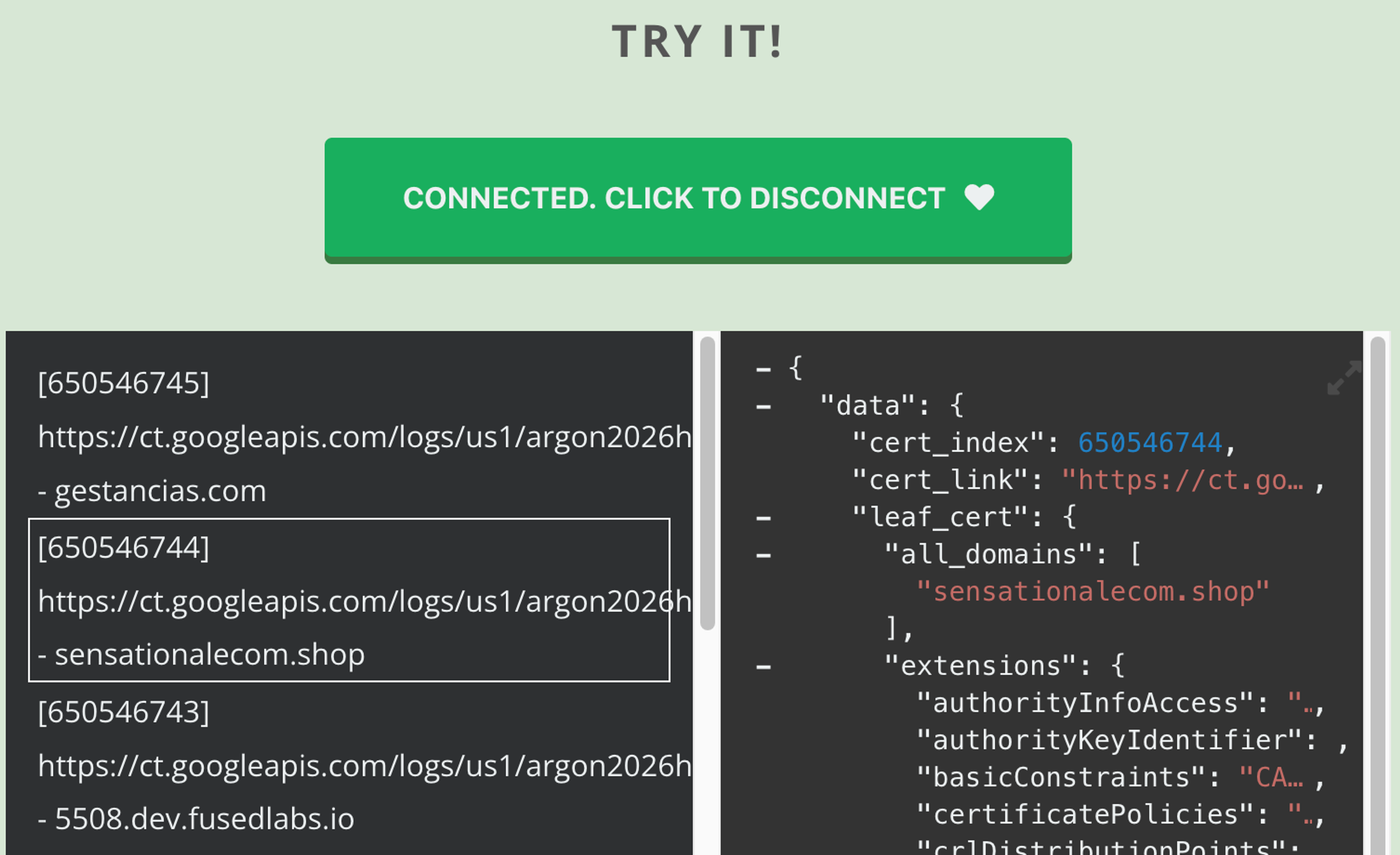
Certificates issued to sites, the kind that gives them HTTPS URLs, are publicly logged, as part of a coordinated, auditable ecosystem. If you put up a Funnel at n8n.dragon-platypus.ts.net or nextcloud.zebrafish-lemur.ts.net, it's published data, and you’re trusting a password to defend against everybody scanning that data and wielding known and unknown vulnerabilities in complex software packages. If it’s important enough to your life that you want to reach it from everywhere, it’s probably important enough to use Serve.
What if Serve were this easy?
Serve doesn’t have these problems, because Serve doesn’t face the public internet. All your traffic is encrypted and enclosed by your tailnet, and only devices you’ve authorized can reach your little site. That’s what you generally want when you’re hosting your own site. Funnel works for my commuter app clone because it’s a container, it has almost entirely public data, and it’s more than just me using it.
I talked with a few folks at Tailscale about nailing down this Funnel/Serve divide. Looking at how people use Funnel, I saw a pattern: lots of public Funnel URLs pointed to services that looked like they belonged on Serve. It nudged me to write this post. But it also raises some useful questions. Like:
• What if Serve could give each service a stable hostname, across devices?
• What if it was easier to share a web app with another Tailscale user?
• What if you could quickly serve a webhook, port, or status page without typing a terminal command?
We’re exploring these ideas, as you might have seen, and we hope we can tell you more at some point soon.
Back to the Funnel fridge
It seems like a lot to put up your own website, but it’s actually a lot less, over time. Less than navigating UI changes, advertisements, and overly chatty notifications from apps. Less than paying a subscription for the one decent app you can always find that doesn’t have all those annoying things.
This single-shot site has improved my fridge, however faint that praise may seem. And it has saved me from quite a few rain-soaked walks and unnecessary Lyft calls. The only downside is that it’s a bit too easy to think about making another one.


