 Kevin Purdy
If you managed to put Tailscale on a jailbroken Kindle before it updated too far ahead, you got something pretty great, even if it wasn't the full Tailscale experience. But good things come to those who wait (or dig around on GitHub).
Open-source developers have improved the Tailscale experience on one of the weakest computers you own. If your Kindle is jailbroken, an updated version of Mitanshu Sukhwani's Tailscale implementation offers a few new things:
- Tailscale SSH enabled by default, so you don't have to enable USBnetworking SSH and its very obvious default user/password
- A proxy mode that lets apps like KOReader to reach other nodes on your tailnet, like a Calibre/OPDS or Wallabag server
- A full TUN mode that, on some Kindles, can make Tailscale networking work at the device level
Let’s dig into each one and how to set them up. As before, this is community code working on a very unofficial device state; bring your patience along.
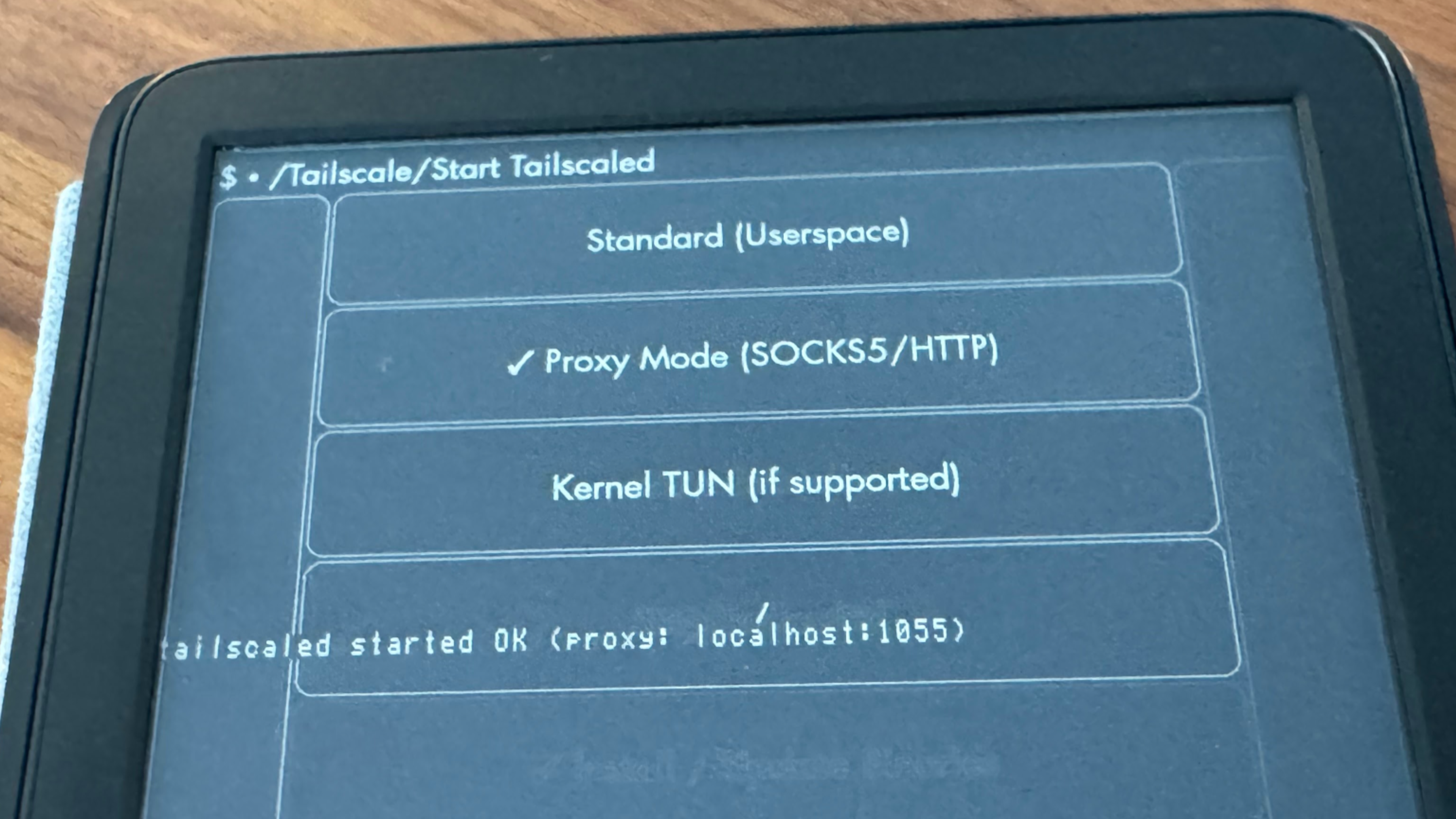
Tailscale on a Kindle, now with proxies
The last time we wrote about Tailscale on a Kindle, the client was basic, but it worked. The Kindle showed up on your tailnet, complete with a green dot in the web admin console. You could reach the Kindle by its Tailscale IP address. You could even SSH into the Kindle over Tailscale, which was handy for further tinkering.
But “reachable via Tailscale” is not the same as “routing all incoming and outgoing traffic across your tailnet,” it turns out. Tailscale on a jailbroken Kindle is typically forced to run in userspace mode, which means it cannot use the device's own network routing layer, known as TUN mode. You could start Tailscale, and then start an app like KOReader, but when you tried to connect to another Tailscale device, like your Calibre server at 100.x.y.z, it would go like this:
- KOReader (or any app) asks the Kindle’s root OS how to reach
100.x.y.z - The Kindle, lacking Tailscale routing, cannot reach that Tailscale IP address
- KOReader drops the connection
An update to the Kindle KUAL app by greywolf1499 provides different modes that work around this. Now, when you try to reach another Tailscale IP address on your Kindle, it can go like this:
- You start Tailscale in proxy mode
- You set up KOReader or another app's proxy settings to connect to
127.0.0.1:1055 - KOReader tells the proxy it wants to reach
100.x.y.z - Tailscale’s daemon
tailscaled, listening on port 1055, routes the connection through Tailscale - E-books, articles, and other data flows between your Tailscale-running Kindle and other Tailscale devices
This Tailscale proxy offers two modes, SOCKS5 and HTTP CONNECT, for apps that may prefer one or the other. This opens up a good bit more utility for your more-connected Kindle.
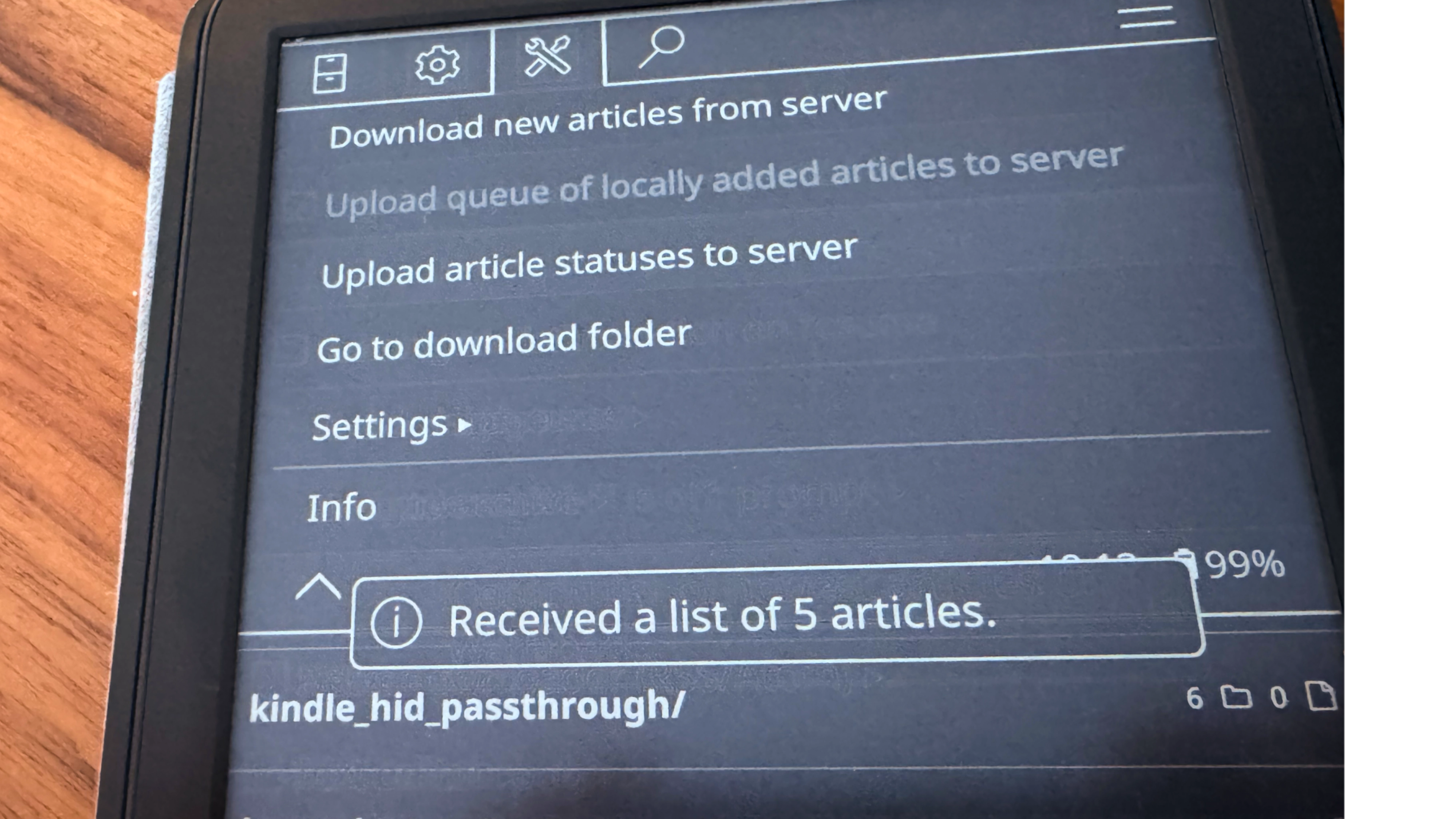
What you can do with a proxied Kindle
A few wild ideas, depending on how dug in you want to get:
- Calibre or Wallabag servers, as mentioned
- Audiobookshelf connection through KOReader
- Use Readest to track reading progress across devices
- Linking KOReader’s RSS reader to a a self-hosted feed server
- Accessing minimalist dashboards and web pages in the (pretty bad) Kindle browser
- Using a Bluetooth keyboard and the kterm app to SSH into tailnet devices
Is that last one all that practical? Not really. But is there a pleasant warmth, knowing that you've added the least likely thin client to your what-if kit? For some types, types I know quite well: yes.
The Tailscale plugin for KOReader (with Kobo and PocketBook support)
If you don’t really need any Tailscale powers outside the highly capable KOReader app, check out this Tailscale KOReader plugin. It doesn’t make your Kindle accessible over your tailnet, like the KUAL-based app. But it does automatically create the proxy interfaces that are needed for reaching your content servers from your KOReader-running Kindle—or your Kobo device, or your PocketBook.
I haven't been able to really try this extension out myself; my 11th-generation standard Kindle doesn't play well with it at the moment. It's been "Tested on Kindle PW5/PW6, Kobo, and PocketBook"—it's nice to see Tailscale come to some other KOReader-friendly devices, too.
Installation is not too hard, at least if you made it this far into jailbreaking already. You copy the plugin into KOReader’s plugins directory, trigger an “Install/Update Tailscale” from KOReader’s menu, copy a Tailscale key into a directory, then toggle Tailscale on in the KOReader menu. From there, you configure KOReader with one of its proxy addresses (127.0.0.1:1055 for SOCKS5, :1056 for HTTP CONNECT), then give other plugins the Tailscale IP addresses you need to reach.
Victoria Riley Barnett’s repository notes that the plugin works great with a SyncThing plugin for KOReader. KOReader is like its own separate OS for jailbroken Kindles at this point,
So now you’ve got a lot more options and weird projects available to you, through this already quite-strange little slab. If you’ve worked up a weirdly useful Tailscale setup on your Kindle, Kobo, or other e-paper device, we’d love to hear about it. Let us know on Reddit, Discord, Bluesky, X, Mastodon, or LinkedIn.


