 Jillian Murphy
Today, we’re adding a new destination for Tailscale log streaming: Azure Blob Storage. We're also improving the setup flow for log streaming.
Tailscale log streaming lets teams stream configuration audit logs and network flow logs from their tailnet into the systems they use for storage, compliance, detection, and investigation.
With Azure Blob Storage, Tailscale now supports object storage across the major cloud providers: AWS S3, Google Cloud, and Azure.
This is a boring kind of feature in the best way possible: logs go where you need them to go. That means fewer exceptions in your logging pipeline. Tailscale logs land where the rest of your data already lives, whether that’s cloud storage for retention or a SIEM for analysis.
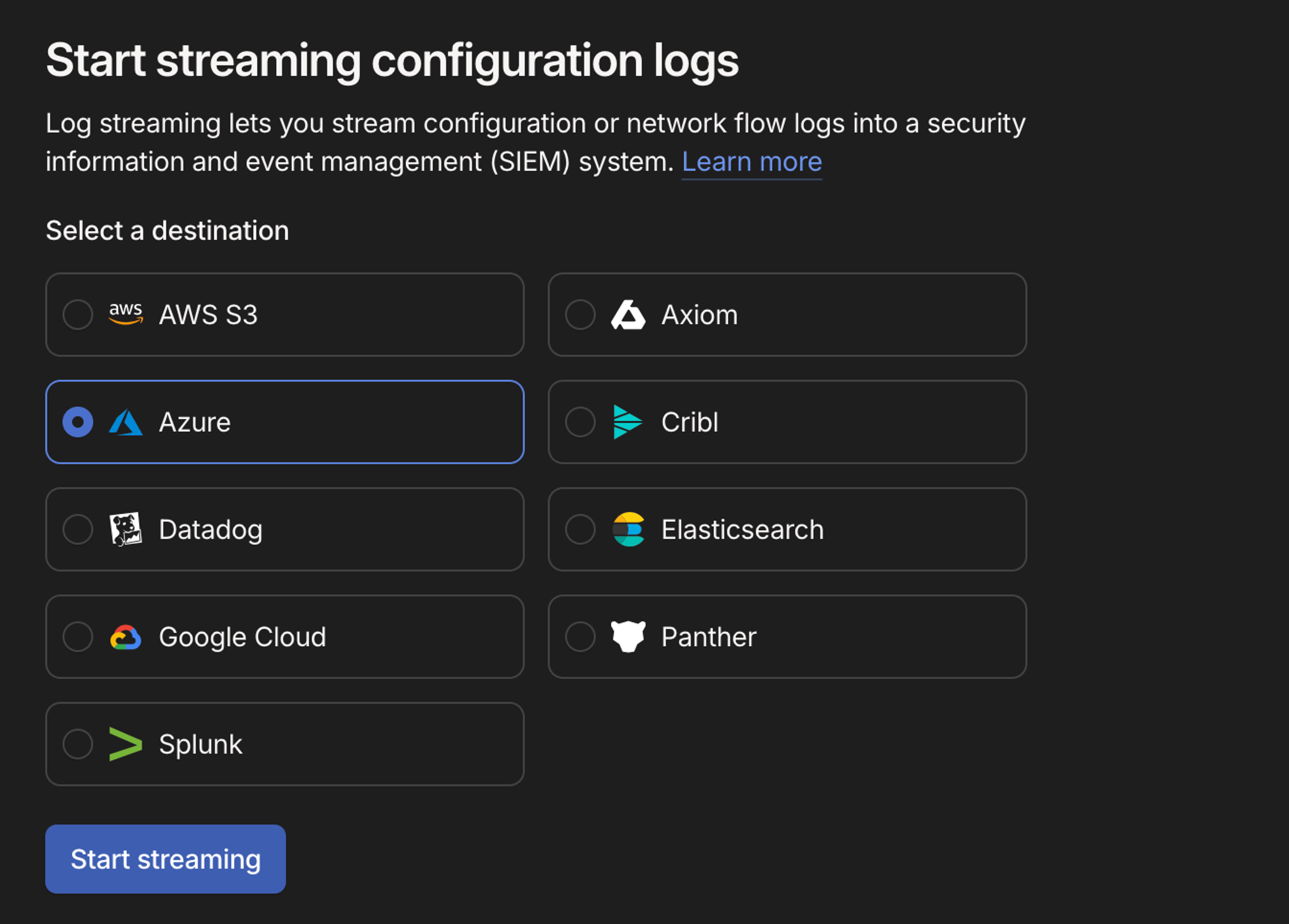
A simpler setup experience
As we added more log streaming destinations, we realized the setup experience needs more room.
Log streaming configuration now lives on a full page in the admin console instead of inside a modal. On the Network Flow Logs page, click the button for Start streaming (or Actions, then Edit, if previously set up) next to Streaming to set up or edit log streaming. The flow should feel familiar, but it’s easier to scan supported destinations, choose the right one, and configure streaming for the log type you need.
How to get started
Azure Blob Storage is available as a log streaming destination on Premium and Enterprise plans.
We’re continuing to add more log streaming destinations, including more SIEM integrations. If there’s a destination your team needs, let us know. Customer requests have been a major input into this roadmap.


