 Remy Guercio
 Ondrej Bilek
Giving an AI agent skills is a great way to take token-hungry, non-deterministic workflows and turn them into faster, cheaper, reproducible tasks. However, these skills are typically attached to individual users and specific agents. This isolation makes it difficult for co-workers and companies to quickly and safely share AI best practices and align on process improvements. Without a way to easily share skills, valuable knowledge ends up fragmented, out of date, or lost.
This is why we’re updating Aperture to serve as a single place to create, organize, and share skills across your team or organization. Today, keeping skills synchronized across different people or agents involves a lot of copying and pasting. It’s the AI equivalent of pinning down that Q4REPORT_FINAL_V2_NEW_20261110.XLSX spreadsheet buried in a 100-message thread. With the speed at which AI moves, it’s not tenable to keep in sync this way.
Importing and creating skills in Aperture
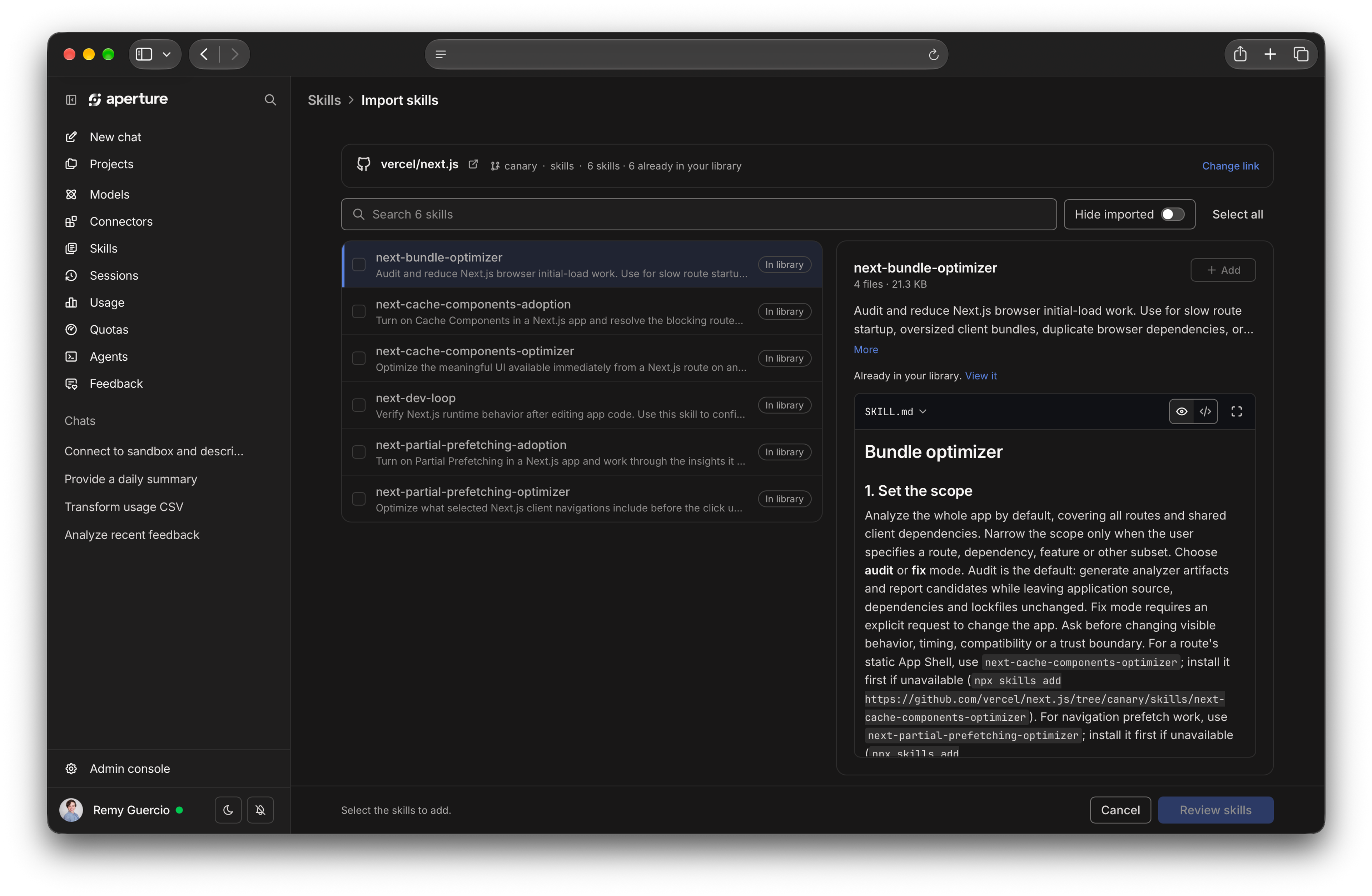
Aperture serves as both a repository for individual user skills to use across agents, and for organization-level skills to share across teams. Whether you’re a user or admin, if you have existing skills to bring into Aperture, you can import them in four ways.
- Upload your skills — The most straightforward way of adding existing skills to Aperture: upload the
SKILL.md,.zipfile, or paste the Markdown. - Sync a GitHub repo — If you already have a bundle of skills in a public repository, paste the link and Aperture will import them.
- Use a URL — If you’d like to bring in skills from a third party (like
stripe.com) and they support the.well-knownskill discovery specification, give Aperture the URL and it presents you with a list of skills to import. - Ask your agent — If you add Aperture as an MCP server to your agent, you can ask your agent to add any existing skills to Aperture through MCP.
You can also create skills in Aperture itself: select Add from the Skills menu, or use the pre-built Skill Creator skill inside Aperture. The Skill Creator skill uses new MCP tools added to the Aperture MCP gateway, so you can ask any agent connected to Aperture’s MCP endpoint (or Aperture Chat) to create, update, and delete your skills.
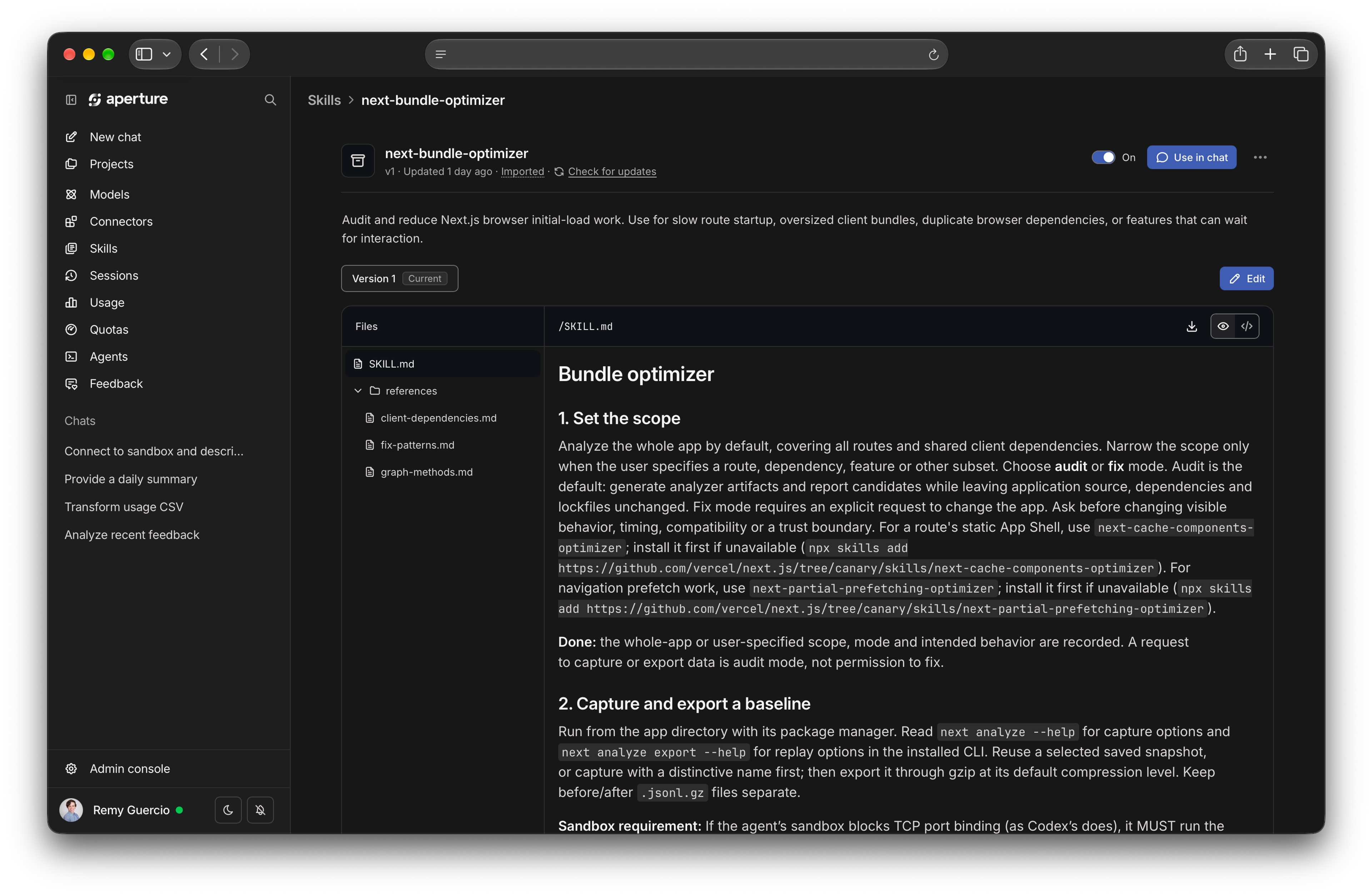
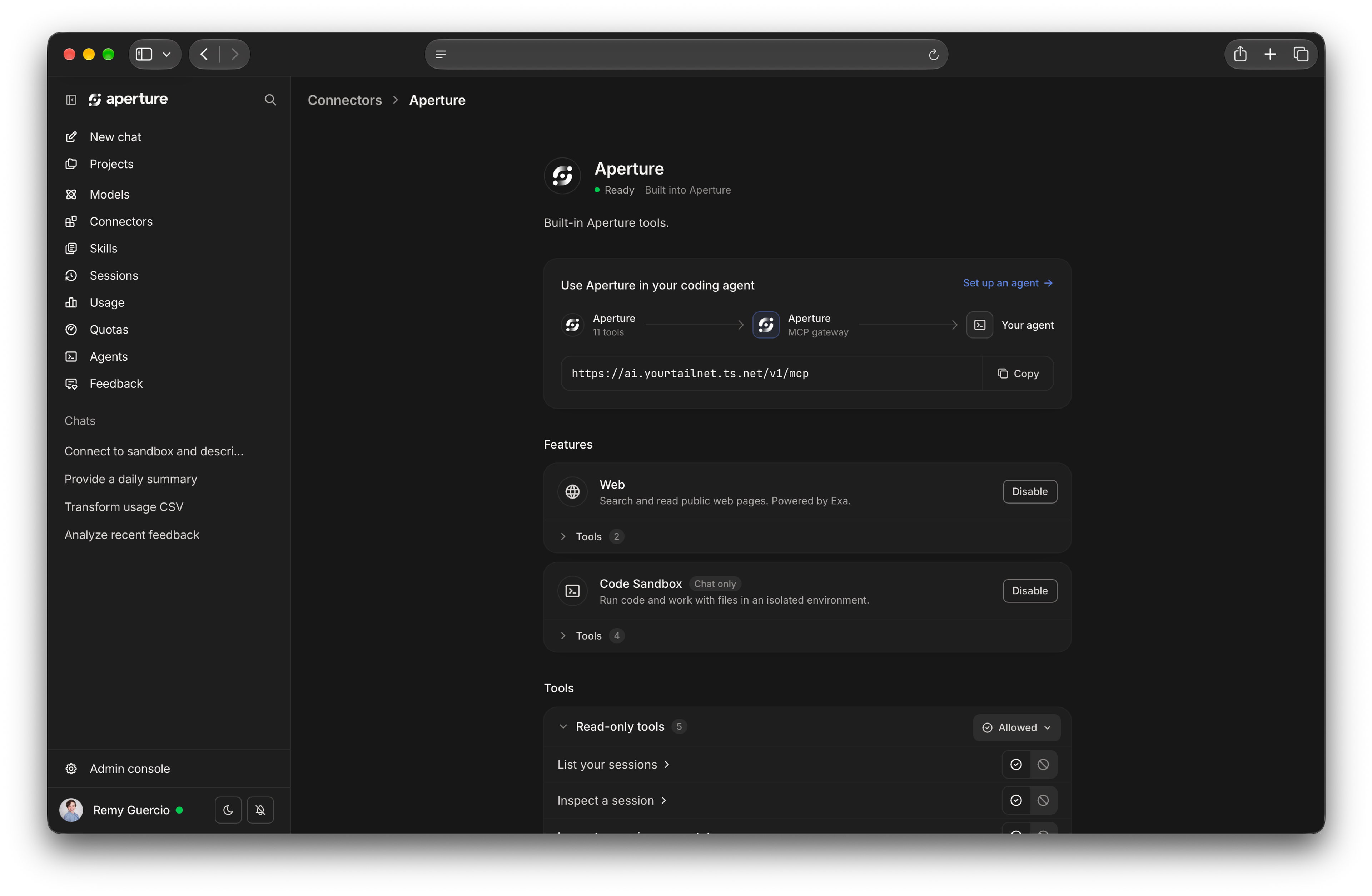
Aperture exposes MCP endpoints that list and read all of your LLM sessions, no matter which agent created them. That means you can improve a skill across all of your agents. Use a skill, have another agent review your sessions with that skill, then ask for improvements — with all the progress retained across all your agents, through Aperture.
Distributing skills over MCP
To make distributing your constantly evolving skills easier, we’ve implemented the brand-new Skills over MCP spec in Aperture. Aperture delivers identity-based access to LLMs, MCP servers, and skills across your organization’s AI deployments.
Using Skills over MCP with Aperture, two things are now possible:
- An individual can distribute skills across their agents or computers.
- Aperture admins can decide which skills are shared with individuals or teams based on their identity.
Not every agent supports the Skills extension yet. As agents add support, Aperture works with them automatically.
Building toward safe, collaborative AI
In many ways, learning and working with AI is often an individual (or even lonely) experience. It’s time we made it easier to share what we learn with others (humans, specifically). A seamless skill-sharing experience is one small step in that direction. We intend to take many more.
If you’re exploring what simple, secure, collaborative AI enablement looks like at your organization, we’d love for you to give Aperture a try and reach out with any feedback.


