 Jillian Murphy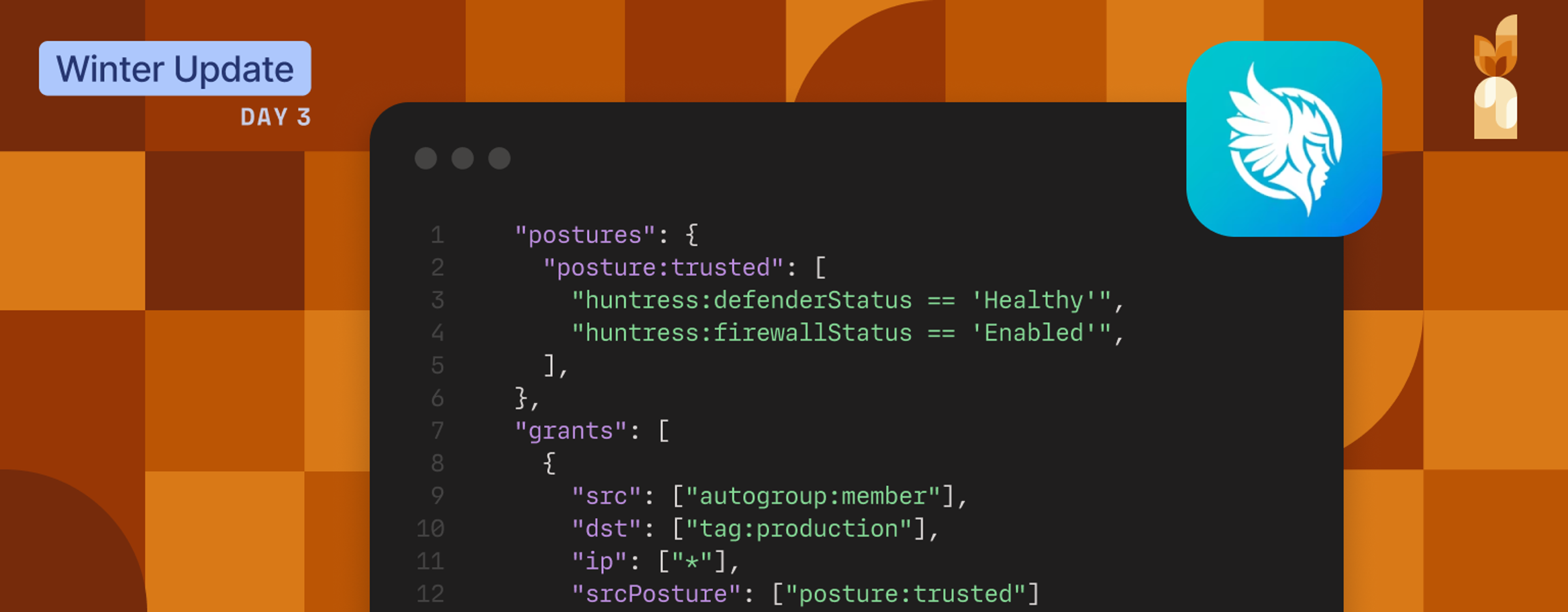
Device risks change constantly. Access policies should be able to respond.
Today, we’re announcing a new integration with Huntress, now generally available in Tailscale. With this integration, Huntress device posture attributes can be used directly in Tailscale access policies.
Why we built this
Endpoint security and access control solve different problems, and they usually operate independently. Endpoint Detection and Response (EDR) solutions, such as Huntress, report endpoint protection and health status. Tailscale determines what resources those endpoints are allowed to reach.
In practice, that separation means the security state can change faster than access policies. A device may fall out of a healthy baseline, but translating that information into access decisions typically requires manual coordination—alerts, tickets, and policy updates that happen after the fact.
During that window, endpoints with elevated risk can retain broader access than intended, increasing the chance of lateral movement or unintended exposure. This integration exists to minimize that gap.
How this integration works in practice
Huntress provides endpoint device attributes that reflect baseline device security, including Microsoft Defender Antivirus status, policy compliance state, and host firewall status. With the Huntress integration enabled, these posture conditions can be referenced directly in Tailscale access policies. Tailscale synchronizes Huntress-reported posture attributes on a recurring schedule and evaluates them alongside identity and other posture checks to adjust access policies.
As endpoint protection posture changes, access policies can respond automatically—without manual device-by-device updates.

What you can enforce
As endpoint protection posture changes, access policies can respond automatically—without manual device-by-device updates.
Teams use Huntress posture signals to require baseline endpoint protections before allowing access to sensitive resources. Examples include:
- Require antivirus protection: Ensure that Microsoft Defender Antivirus is enabled and enforcing policy before a device can reach production systems or admin tools.
- Require firewall enabled: Restrict access from devices where the host firewall is disabled.
- Apply consistent baseline checks: Ensure access policies reflect whether key endpoint protections are active, without relying on manual verification or periodic audits.
These policies work alongside existing identity and posture checks. Huntress continues to report endpoint protection status, and Tailscale applies that context directly to access enforcement.
Getting started today
The Huntress device posture integration is generally available now for Enterprise customers.
To enable it:
- Connect your Huntress account in the Tailscale admin console
- Configure the required integration permissions
- Ensure device identity collection is enabled
- Add Huntress-based posture checks to your access policies
Full setup instructions are available in the documentation.


