 Jillian Murphy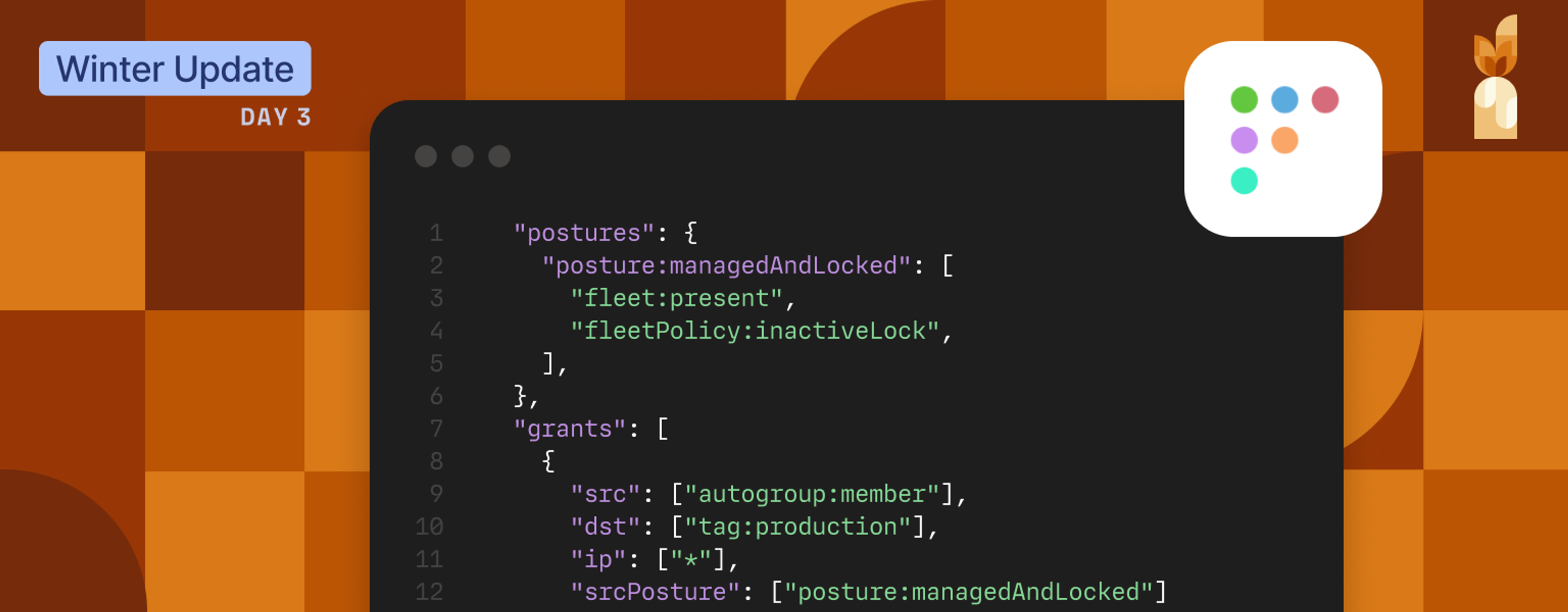
Devices in an organization change constantly. Laptops get replaced, machines get reimaged, endpoints fall out of management, and new devices show up every week.
This can create a gap between authentication and device management. Tailscale knows who someone is. Your device management solution knows if their device is compliant. But until now, those two pieces of information lived in different worlds (ahem, dashboards).
Now, our device posture integration with Fleet, the open device management platform, is generally available in Tailscale’s Enterprise plan, connecting those dots.
With this integration, you can reference Fleet-managed device state directly in Tailscale access policies (ACLs), so access decisions reflect whether a device is actively enrolled and managed.
Bringing device management into access enforcement
Integrating device posture into network access policies gives organizations a practical way to connect connectivity to device management state. Instead of treating every connected laptop the same, teams can require that devices meet baseline management conditions before reaching sensitive systems like production databases or admin tools.
It's particularly useful if you're dealing with:
- Remote teams that IT can't physically provision
- Developers who need production access but manage their own machines
- Growing headcounts, where manually tracking device enrollment doesn't scale
- Compliance requirements that specify "managed devices only"
By applying device management state to access enforcement, organizations reduce exposure and limit access drift with minimal added overhead.
How it works
Admins define what “managed” means for their organization—such as enrollment status and policy requirements—and Tailscale applies Fleet-reported posture attributes as part of the access enforcement.
Fleet periodically syncs device management state into Tailscale as posture signals. Tailscale then uses those attributes in access policies, so enforcement reflects whether a device is currently enrolled and meeting the conditions you’ve defined.
If a device later falls out of management or no longer meets requirements, its access is restricted automatically, without manual policy updates.

Fleet remains the source of truth for device management state, and Tailscale applies that state to enforce access rules across your tailnet.
Getting started
The Fleet integration is available now on Tailscale Enterprise.
If you're already using both Fleet and Tailscale, you can turn this on today. Setup takes about 10 minutes:
- Generate an API token in Fleet
- Connect Fleet in the Tailscale admin console
- Define the Fleet policies you want reflected in posture
- Update your ACL policies to reference those checks
Full documentation on this integration, and our other device posture integrations is available in our docs.
Not on Enterprise yet? Get in touch to learn more.


