 Kevin Purdy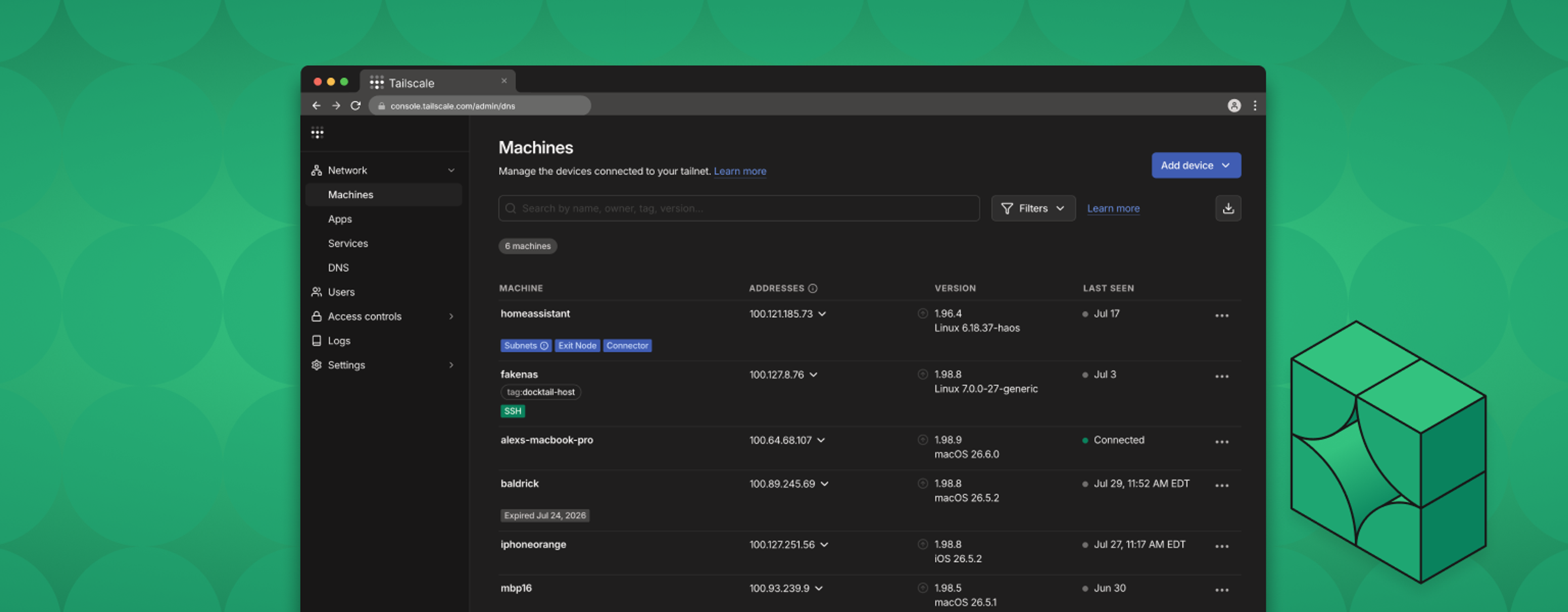
Networking: it’s the thing you bolt on last. You write an application or spin up an instance, and then you work out how anyone actually reaches it. Opening ports, standing up proxies, grabbing certificates and checking the ACLs—the project is “done,” yet the on-call work is just starting.
That separation is something we want to change. Over the last few releases, Tailscale has been growing: from something you only configure for your software, into something you build with and on. And you never give up admin console control, or the ease of making direct, encrypted connections.
Here’s what we mean:
- You can build with Tailscale: embed secure connectivity directly into applications, so the things you build join your Tailscale network (tailnet) with their own identity.
- You can build on Tailscale: automate how tailnets are created, shared, and managed, using the same APIs that power the admin console.
My colleague Reza walks through these options in a video on our YouTube channel, and has provided code examples in our tailscale-dev repository. Here’s a bit more on how they work, and where you can read about them.
Build with Tailscale
Embedding the network in an app with tsnet
Let’s start with a small, “fun” version of a problem. You have a local AI server, like Ollama, running on a box at your desk. Ollama offers a server, which is handy for providing an endpoint, or working away from your desk. But that server must never become a public endpoint.
The usual ways to fix this: open an inbound port, stand up a reverse proxy with custom certificates, and spend a lot of time either pasting in variables yourself, or walking an agent through doing it. And then checking in again, when the certificates stop working.
Using tsnet gets you away from the usual. Import it as a Go library, and each Ollama server joins the tailnet as its own node, with their own identity, a MagicDNS name, and a place already set in your ACLs. No host daemon, public port, or firewalls to trip over. The certificates are also handled, if you need to serve something up over HTTPS.
“But I’m already running Tailscale on these machines!” you might say. The distinction is that tsnet gives an identity to each application, separate from hosts. So the box can switch between tailnets, or the host can be a sandbox with a contained blast radius. You can give everyone on the tailnet their own Ollama, and those Ollama instances get their own scopes, access, and connections.
This is what it looks like, in pseudocode, when tsnet gives a Go application Tailscale powers:
	srv := &tsnet.Server{
		Hostname:     hostname,
		Dir:          stateDir,
		AuthKey:      authKey,
		ClientID:     clientID,
		ClientSecret: clientSecret,
		Ephemeral:    false,
	}
	defer srv.Close()

	if _, err := srv.Up(context.Background()); err != nil {
		log.Fatalf("tsnet up: %v", err)
	}

	// srv.Listen("tcp", ":80") also works if you don't need TLS.
	ln, err := srv.ListenTLS("tcp", ":443")
	if err != nil {
		log.Fatalf("listen :443: %v", err)
	}
	defer ln.Close()

	http.HandleFunc("/", func(w http.ResponseWriter, r *http.Request) {
		fmt.Fprintln(w, "Hello from tsnet")
	})

	log.Printf("serving https://%s.<tailnet>.ts.net", hostname)
	log.Fatal(http.Serve(ln, nil))
}
This service would come up at https://ollama.<your-tailnet>.ts.net, valid certificate and all. ListenTLS will mint a certificate if you’ve turned on HTTPS for your tailnet. You’ll note, in Reza’s video and repository, that Ollama only binds to 127.0.0.1:11434. The tailnet is the only way in, whether or not you remember to close the port later.
“Sounds great,” you might say, “except we’re not a Go shop.” Watch this space—or, more specifically, watch tailscale-rs. It brings this embedded Tailscale model to Rust, and opens up bindings in Python, Elixir, and C, with more to come. Right now it’s experimental (pre-alpha), so it’s definitely more direction than production code. But it’s a promise of options to come.
Build on Tailscale
Provision isolated tailnets with the Tailnets API
Embedding with tsnet gets the app you trust on your tailnet. The Tailnets API gives you something else: a whole network you bring up on demand, as part of a product or provisioning workflow, rather than editing by hand.
It’s useful for isolation: one tailnet per customer, environment, or short-lived test. It’s also a way to run code you don’t entirely trust yet. Hand an agent a throwaway tailnet and see what it builds inside a walled space. Then, just as easily, take it down when it’s done (or tell the agent to tear itself down).
Here’s what it looks like in action: provisioning isolated tailnets through the API. You could then go on to enable HTTPS certficates for your tailnets, provision them with tags, and more.
create_tailnet() {
  local label="$1" token="$2"
  curl -sS "https://api.tailscale.com/api/v2/organizations/-/tailnets" \
    --request POST \
    --header 'Content-Type: application/json' \
    --header "Authorization: Bearer $token" \
    --data "{\"displayName\": \"e2e-sandbox-$label\"}"
}

tailnet_access_token() {
  local client_id="$1" client_secret="$2"
  curl -sS -X POST "https://api.tailscale.com/api/v2/oauth/token" \
    -d "client_id=$client_id" \
    -d "client_secret=$client_secret" \
    | jq -r '.access_token'
}
So we’ve put a good deal of connectivity inside the things you test and ship. Next up: automating parts of Tailscale itself, smoothing out even more friction from the network.
Managing sharing without the clicks
Sharing across tailnets typically requires multiple human-effort steps: creating the share, sending it over, and accepting it. That’s fine for a web app on your NAS, but across a suite of tailnets, it becomes a ClickOps dependency.
Declarative Node Sharing takes those manual actions and turns them into policy. You declare what should be shared with whom, commit it, and let a GitOps workflow apply it—the same way you manage the rest of your infrastructure. No manual clicking and checking, and no relying on someone’s memory of what is shared with whom.

Declarative Node Sharing is currently available by joining a waitlist. You can find the join link in Settings > General in your admin console.
Automate all the admin console actions
Have you noticed Tailscale’s new admin console? It’s built on the same APIs available to your tailnet. Anything you can click on the console, you can drive programmatically: ACL updates, key rotation, ACL fleet management, and all the tailnet provisioning we mentioned earlier in this post.

Platform and security teams can build their own automations, internal tools, and custom interfaces, on top of Tailscale’s standard admin console. Network operations that used to require clicks are now code that can be reviewed, tested, and automated.
One platform, two ways in
We’ve been working to make Tailscale a more useful tool for multiple audiences inside any organization:
- Developers can embed secure connectivity into shipped products, with
tsnettoday andtailscale-rsin the future. Bring up network layers faster, and provision isolated tailnets from inside their products or agentic workflows. - Infrastructure, IT, and security teams can now manage sharing through policy and automated operations, so that large-scale tailnets, and multiple tailnets, have far fewer manual steps.
Whether you’re building with Tailscale, on it, or both, we want secure networking to no longer be the last hurdle to shipping products or sealing up systems. Tailscale can help make networking part of what you build, not the work you do after you thought you were done.
Learn more
- Read more on the Tailnets API
- Join the Declarative Node Sharing waitlist in the admin console.
- Explore tsnet, and see what’s possible soon with our Rust work
- Check out code examples in our dev repository
- See what you can automate now with the Tailscale API and API docs